Philips Hue
To connect your Philips Hue to Gladys, go to Integrations / Philips Hue (in Gladys).
Press the button on your bridge
Press the physical button on the top of your bridge.
Connect your bridge in Gladys
In Configure bridge, click on Connect on your bridge.
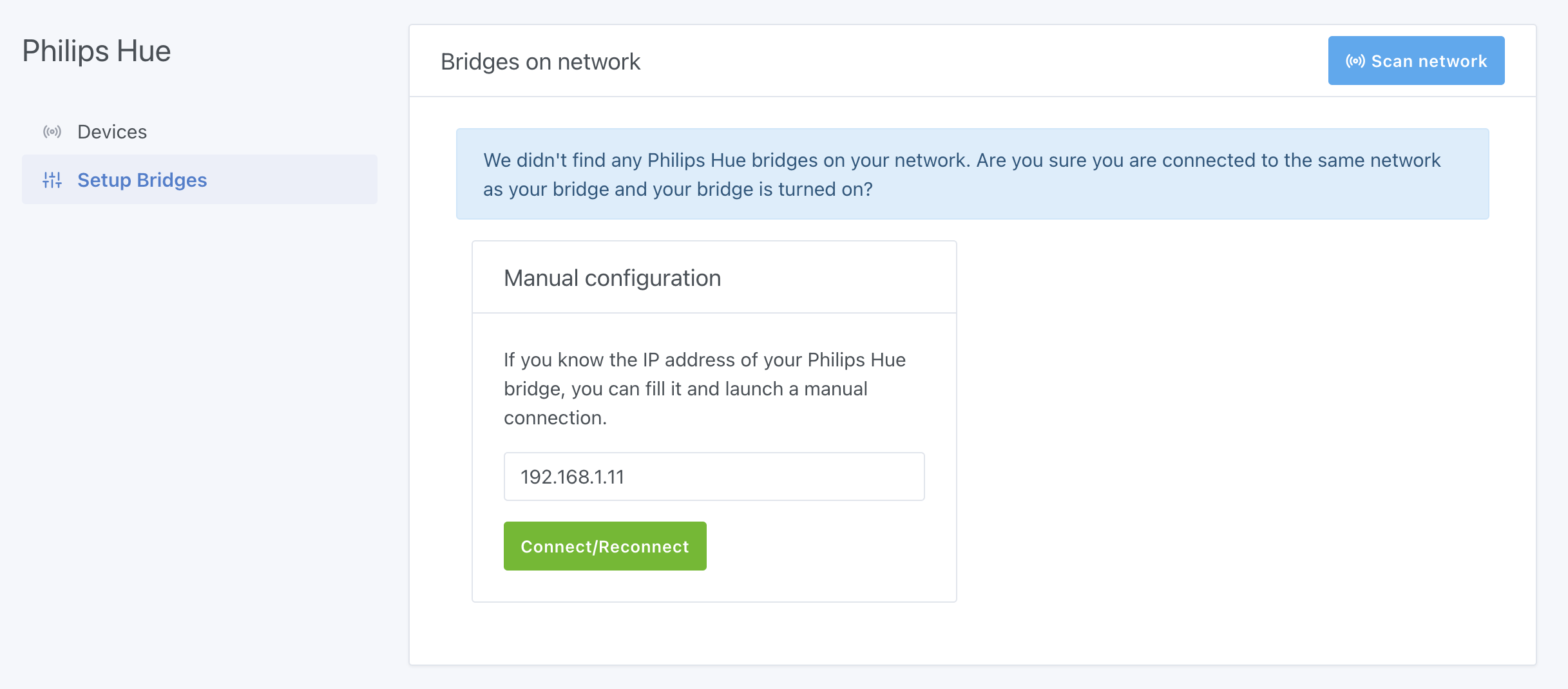
If you don't see your bridge, make sure it's on the same network as your machine running Gladys.
If you still don't see your bridge, you can add it manually by filling its IP Address.
note
Make sure you have the Hue Bridge v2 (the square one). The integration will not work with the original Hue Bridge (round bridge).
Add your lights in Gladys
In Devices, click on Connect on each lamp you want to control in Gladys.
Success!