Node-RED
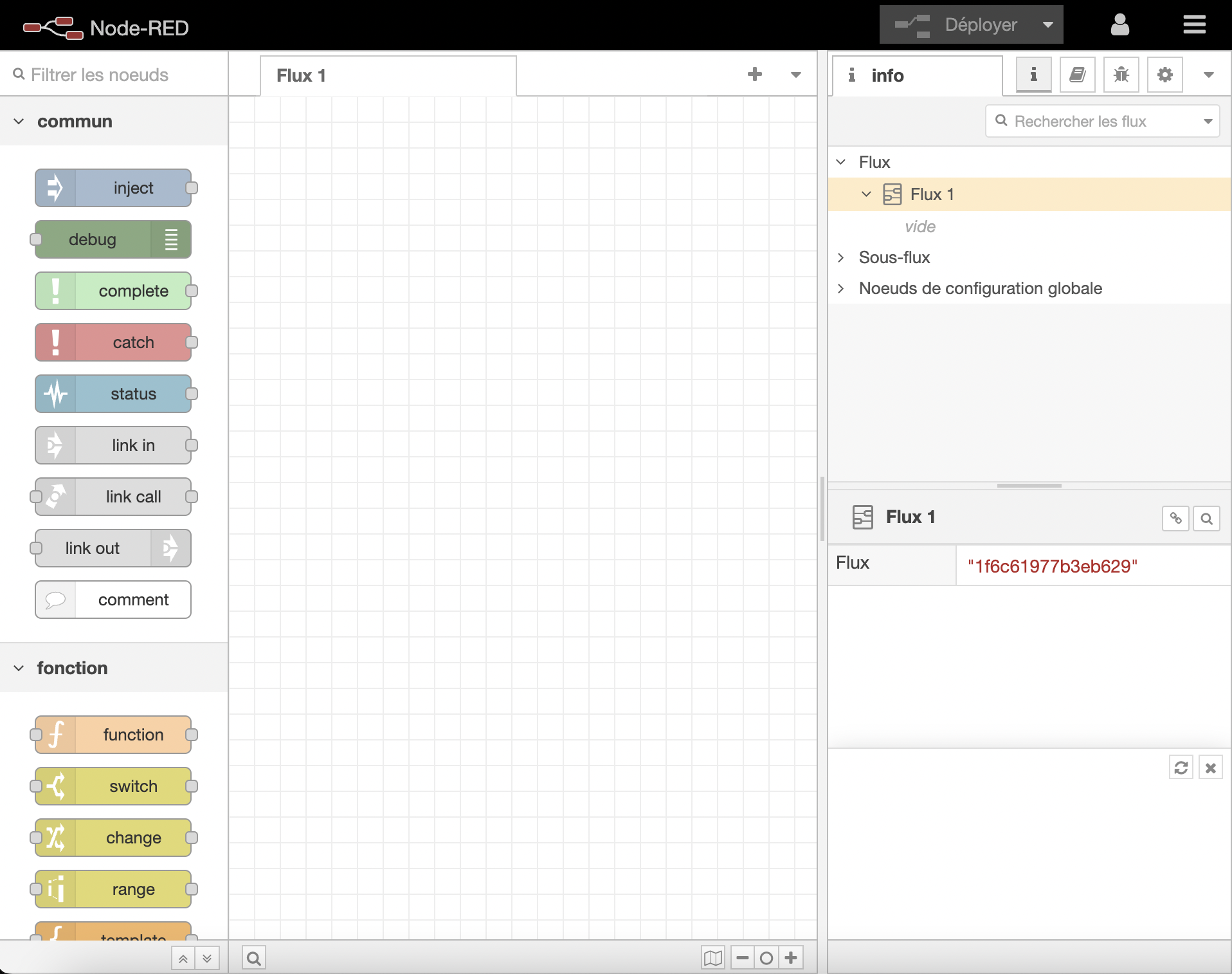
In this tutorial, we will show you how to integrate Node-RED to Gladys Assistant.
This will allow you to connect hardware devices, APIs and online services.
Activate Node-RED
In Gladys, go to in Integrations / Node-RED.
Gladys needs to install a container. Don’t worry, it’s all been automated.
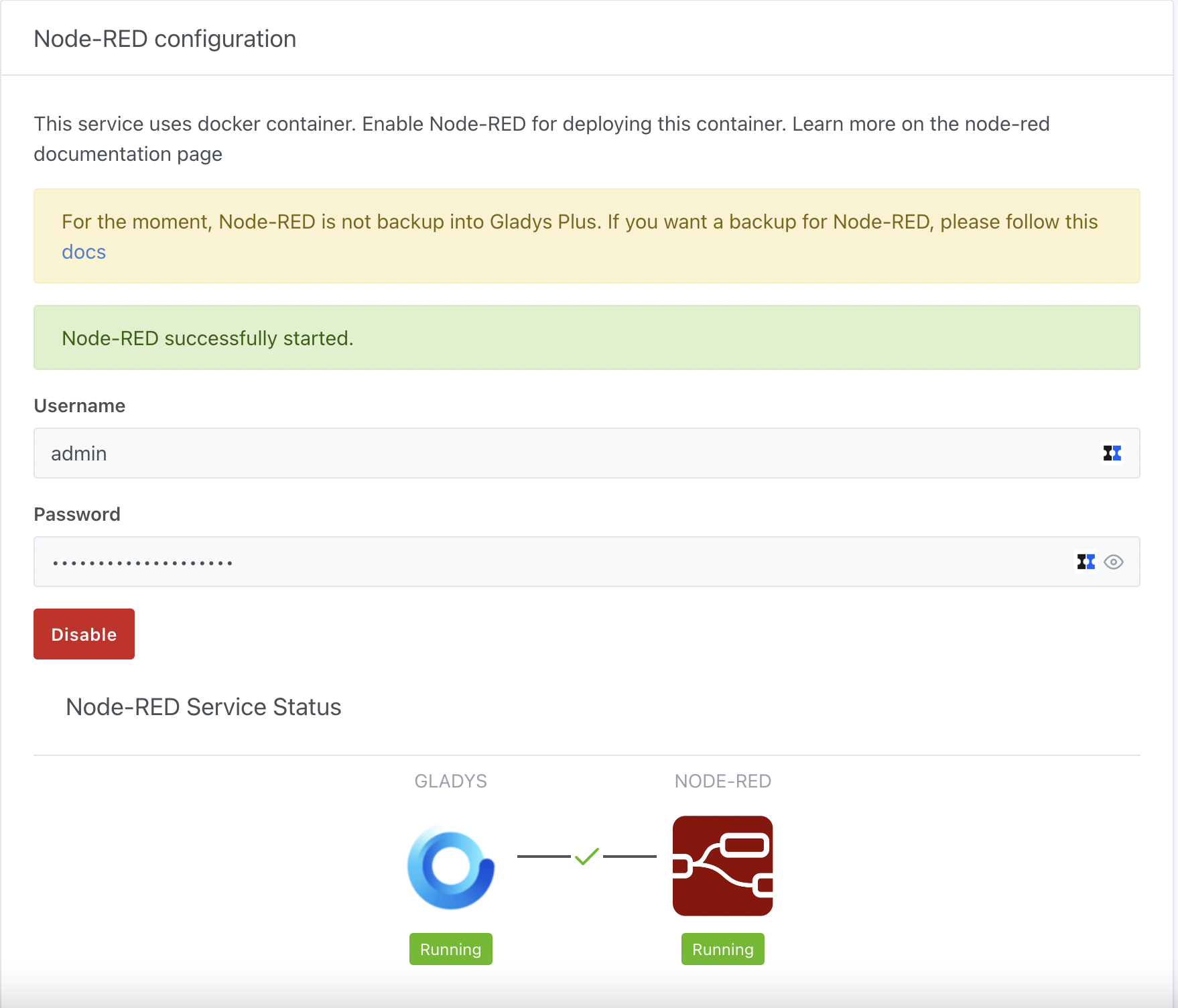
Go to the Configuration section and click on the Enable button. After a few moments (the time depends on your Raspberry Pi model and your bandwidth), you should visualize all the initialized elements and the links between each in green.
Connect to Node-RED
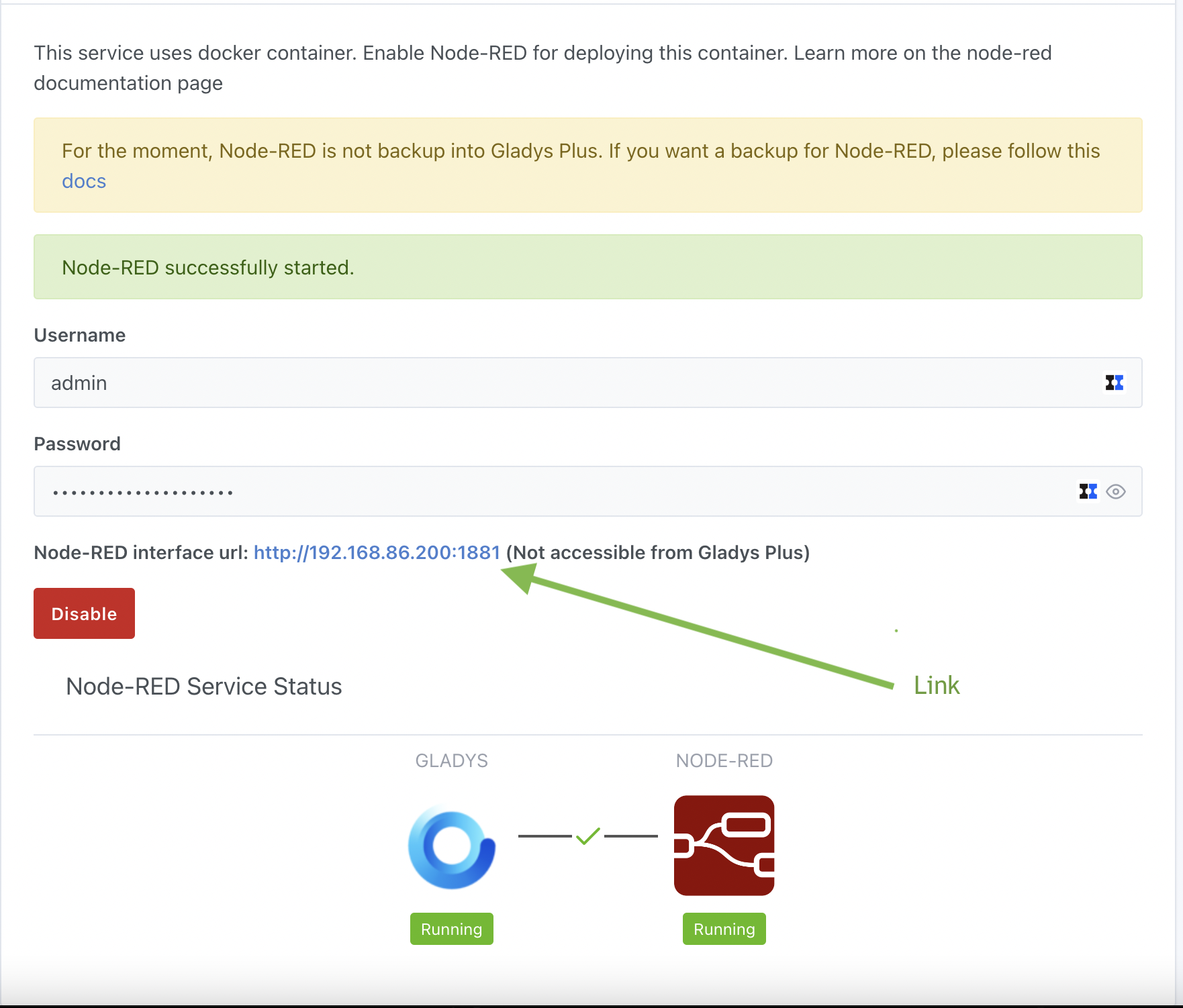
You can open the Node-RED interface by clicking on the link ⚠️ Attention, the link is not accessible from Gladys Plus
You arrive at your local Node-RED instance.
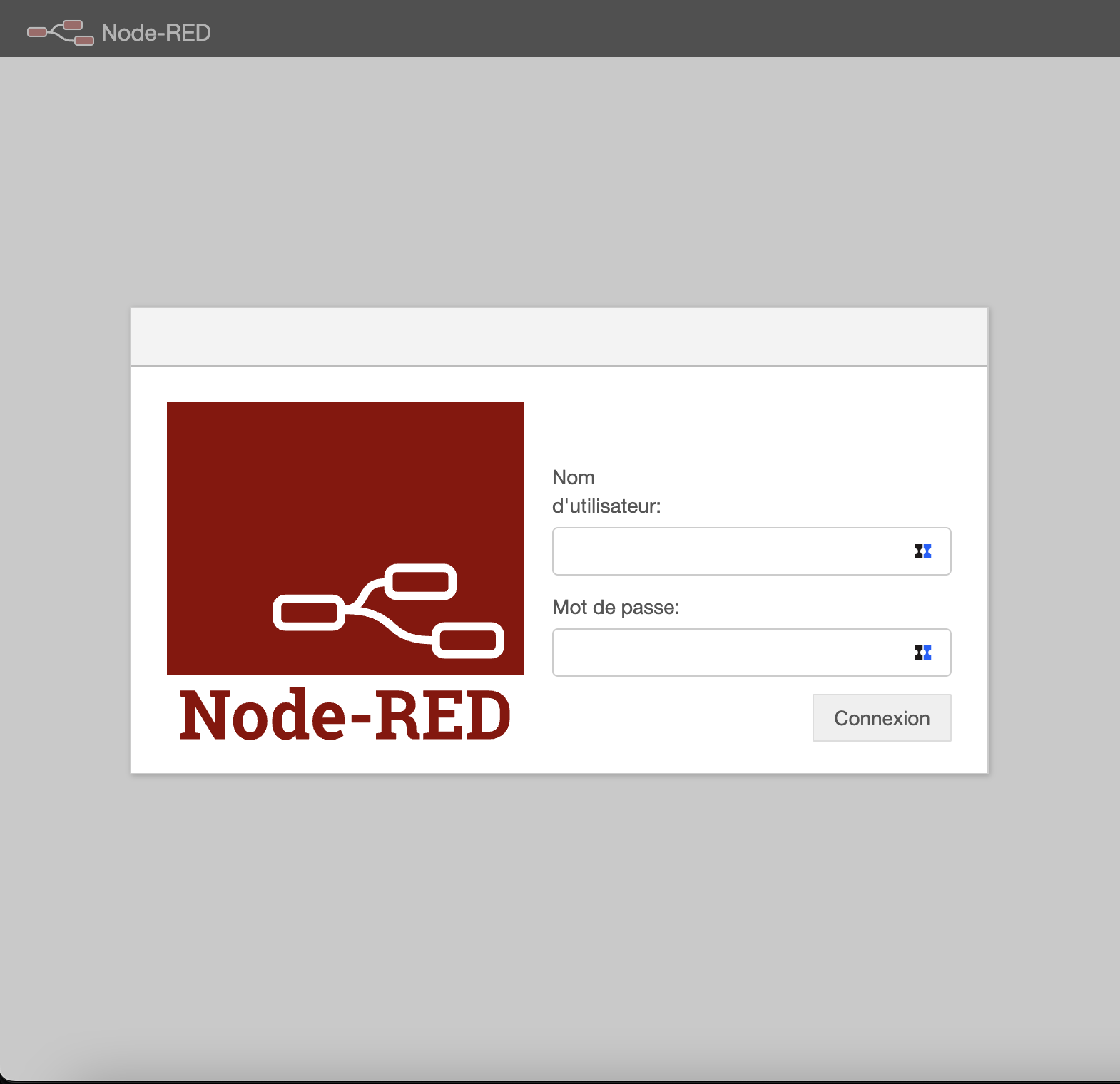
To connect, you must use the connection information provided in the Configuration section.
Use
You can now create your Node-RED flows