Temperature in room
In Gladys Assistant, you can display the average temperature of a room, right on your dashboard.
This widget will look for the temperature of all the temperature sensors present in the room, and displays an average on the dashboard.
Prerequisites
You must first have configured at least one temperature sensor. It could be a sensor from any protocol (Z-Wave, MQTT, etc.), and have that sensor assigned to a room.
Configuration
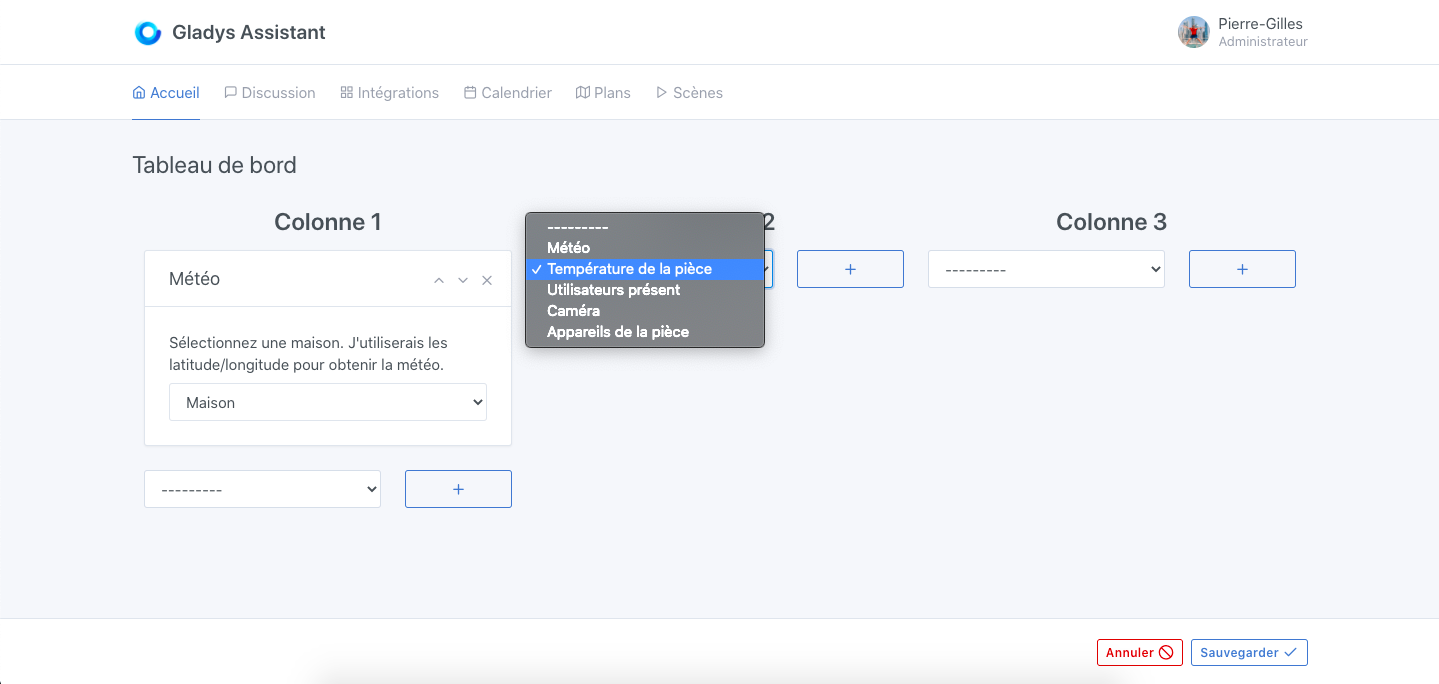
Go to the dashboard, and click on "Edit".
Select the "room temperature" widget, and click on the + button.
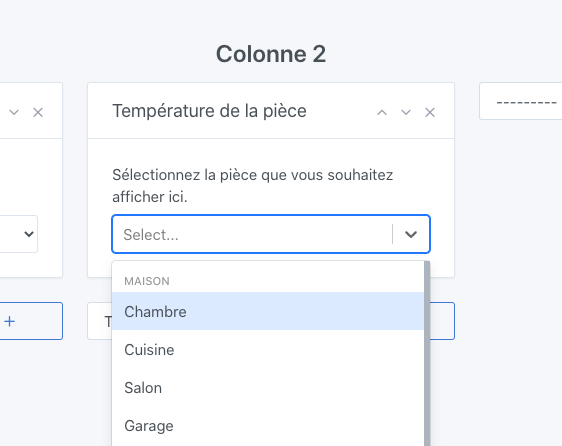
Select the room you want to display.
Click on "Save".
You should see the average temperature of this room!